If every tool call comes back saying permission was denied, stop here.
That is not a broken install. Your project has not been approved for
Developer Preview yet, and nothing else will work
until it is.
Installing and upgrading
| What you see | What it means |
|---|---|
| The installer has no MCP Hub section | The hub is in beta and access is granted per account. Request it at hub.magicmealkits.com |
| Deploying stops on billing | The project has no billing account linked. The message has a button that opens the right page. Link one, then deploy again |
| No Upgrade now button, though a newer version exists | You are already on the newest version. If your hub predates version tracking, tell us and we will move you |
| Every client suddenly wants to connect again | Something reissued your admin token. Stopping the hub and deploying again does that. Upgrading does not |
| You want to change the region | It is fixed once deployed. Changing it means stopping the hub and deploying again, which reissues your admin token and MCP address |
Developer Preview
| What you see | What it means |
|---|---|
| Permission denied on every tool call | Your project is not approved yet. See Developer Preview |
| The check reports APIs it could not enable | Expected before approval. Those are the ones approval unlocks |
| No reply a week after applying | Check spam, then contact workspace-dpp-mod@google.com |
| The application was rejected | Almost always a Gmail address, service account or group address in the registered email field. Reapply with a Workspace address |
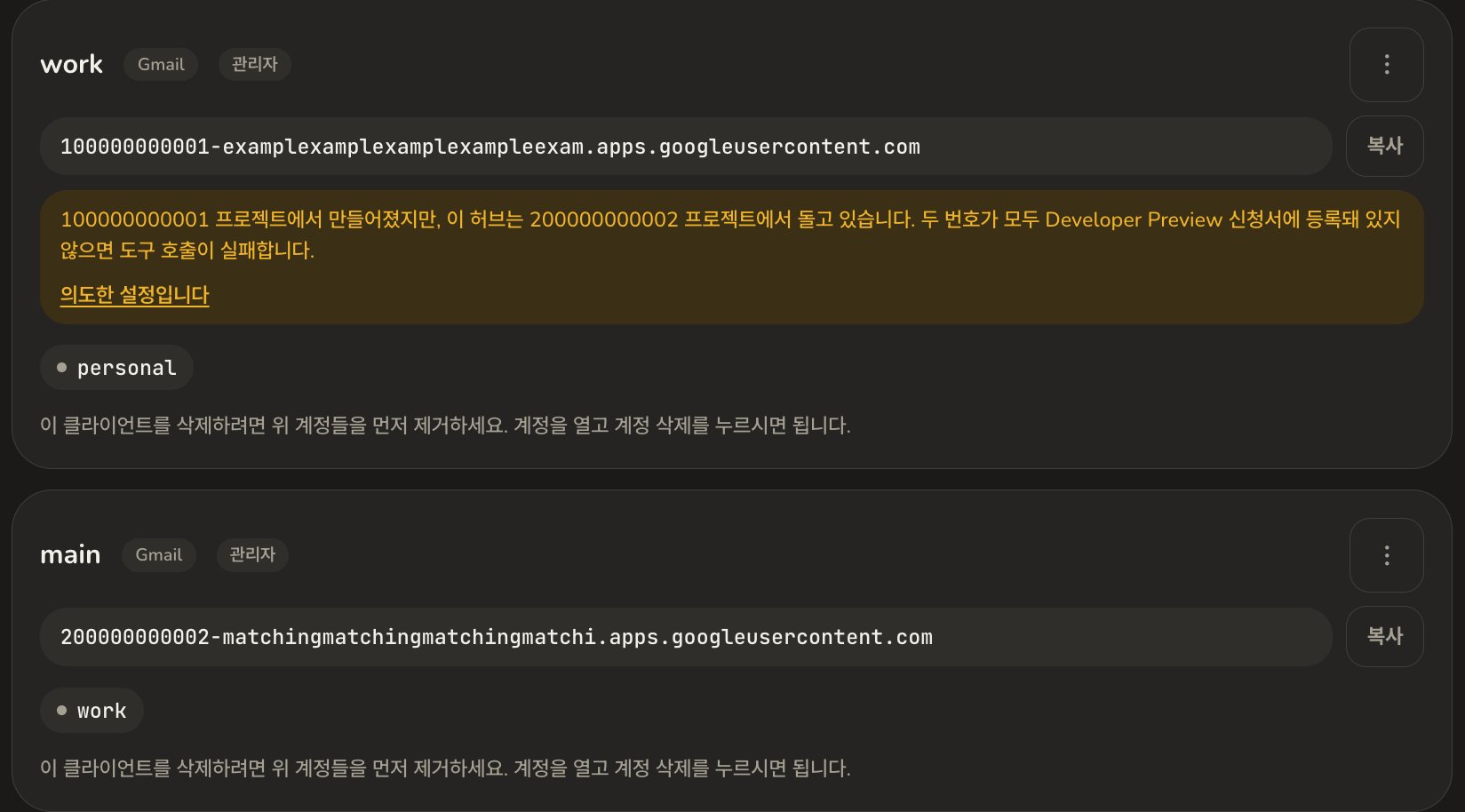
| Approved, but still permission denied | The approved project is not the one holding that account’s credentials. Approval is per project |
| One account works, another does not | Same cause. That account’s credentials live in a project that was never registered |
Connecting a Google account
| What you see | What it means |
|---|---|
| The account connects, but can do nothing | Select all was left unticked on Google’s permissions screen. Reconnect the account and tick it |
| Google says the redirect address does not match | The address from the installer’s OAuth card is not in your client’s authorised redirect URIs, or was pasted with a character missing |
| Google warns the app is not verified | Expected on your own app. Choose Advanced, then the “go to” link |
| An account keeps needing reconnecting, about weekly | Your consent screen is still in Testing. Publish it and this stops. Verification is not what fixes it |
| An account is marked as needing attention | Its sign-in expired or was revoked. Press Reconnect on the account |
| Adding a service asks you to reconnect | Expected. The new service needs permissions the account has not granted yet. Removing a service does not ask |
Connecting Claude or another client
| What you see | What it means |
|---|---|
| Claude connects but shows no tools | Nothing could be registered while Developer Preview was closed. Press Refresh next to the schema status in the admin screen, once |
| Claude cannot reach the server | The address does not match what your hub publishes. Copy it again from the installer rather than retyping it |
| You want to use ChatGPT or something else | The same address works anywhere that takes a custom MCP server. Only the name of the screen changes |
Sending mail
| What you see | What it means |
|---|---|
| Claude writes drafts but will not send | Sending is off for that account until you turn it on. Open the account in the admin screen, under Sending |
| Mail from two addresses arrives looking the same | Gmail keeps a display name per address, and they usually start out identical. How to change it |
| Mail went out from the wrong address | Name the address in the request. Without one it goes from the address that account normally sends from |
Still stuck
- Setting up, from the beginning
- Developer Preview, in full