Before you stop
What does survive is more than the interface implies. The accounts you connected are still there when you deploy again, because they are kept in your own project rather than in the hub. So is your OAuth client. And the MCP address is derived from your project and region, so it comes back the same: the address in your connector is still correct, it is the sign-in behind it that was reissued.How to stop it
1
Open the installer
Go to the installer and scroll
to the bottom of the MCP Hub section.
2
Press Stop hub

3
Type the service name
The confirmation asks you to type it, and the button stays disabled until
it matches. It is 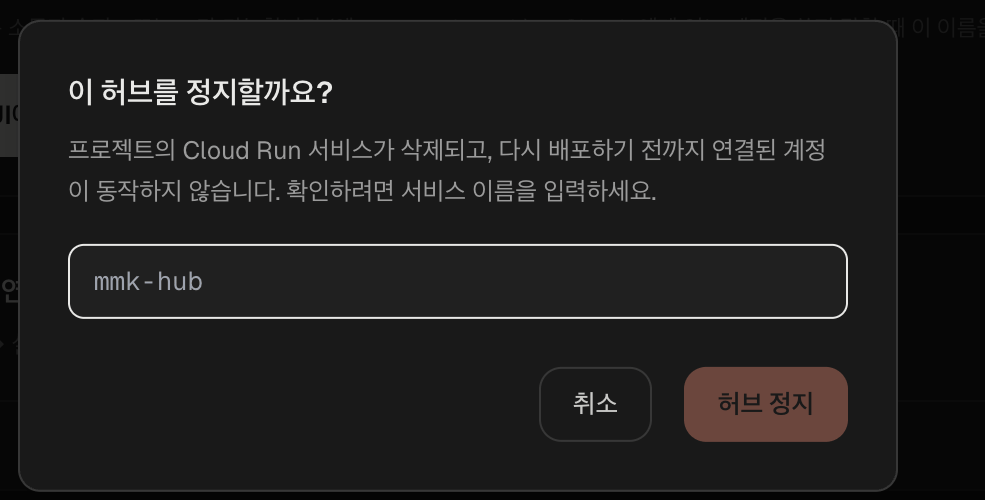
mmk-hub, the same for everyone.4
Done

Afterwards
Connected accounts stop working immediately. Claude will report that it cannot reach the connector rather than that anything is wrong with your accounts. Deploying again brings them back as they were, still connected, without going through Google’s consent screens a second time. What you do have to redo is each connector, using the new admin token.Next
- Setting up, if you are deploying again
- Troubleshooting