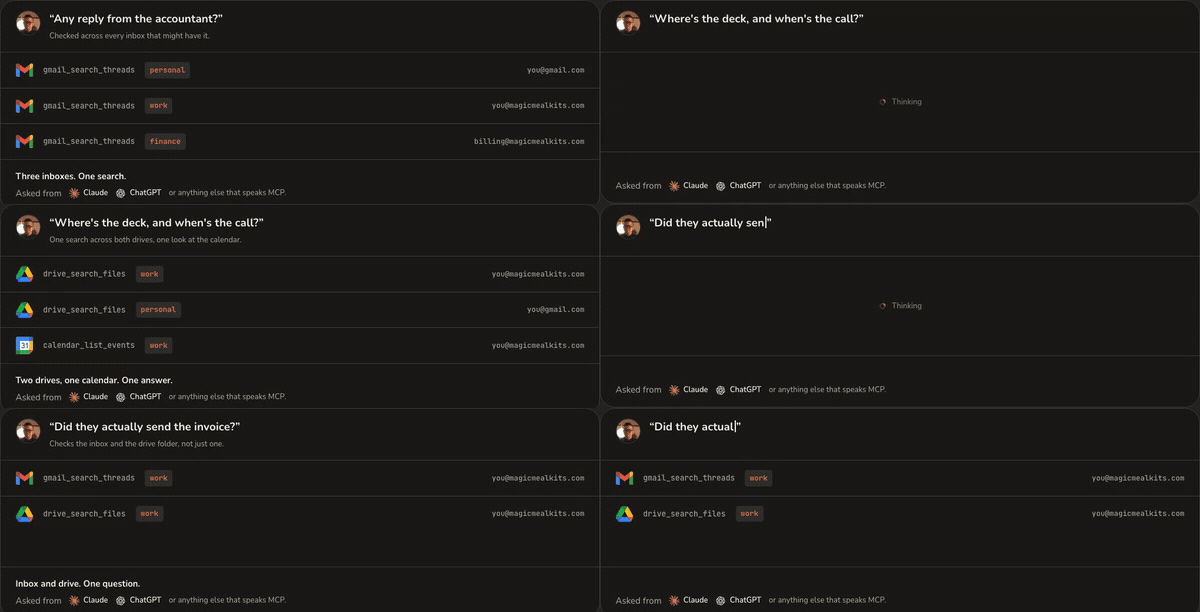
One question, answered from every account you connected. The addresses shown are examples.
What that gets you
- One connector, several accounts. Name the account and Claude works in it. Calendar, Chat, Docs, Drive, Gmail, Contacts, Sheets and Slides, chosen per account, so a work account can have more turned on than a personal one.
- It runs in your own Google Cloud project. Your Google sign-ins stay in your project and your bill comes from Google, not from us. We hold no credentials of yours.
- Mail that actually leaves. Claude on its own stops at the drafts folder. The hub can send, including from a chosen address when a mailbox has several. Sending stays off until you turn it on, per account.
- Claude, ChatGPT, or anything else that speaks MCP. The same address works in all of them.
Before you start
Buy a licence, then install. One payment, no subscription. Get it at hub.magicmealkits.com/buy. Google gates the services underneath it. The hub asks Google’s own servers for Gmail, Calendar and Drive, and Google keeps those closed until your project is approved for its Developer Preview Program. Approval takes about a working day and you apply from the installer, so it is a wait rather than an obstacle. It is also the most common reason a new hub looks perfectly healthy and refuses every request, which is why it has a page of its own. You will not be running commands. Installing, upgrading and stopping are buttons on the installer.Where to go next
- Setting up, start to finish
- Developer Preview, which everything else depends on
- What it costs to run
- Release notes